Gaming discussions are full of numbers that people use confidently without defining. What does "low ping" mean in practice? How much does going from 60 to 144 FPS actually help? Does 4K make a real difference for gaming? Here's a straightforward explanation of all three.
Ping (Latency)
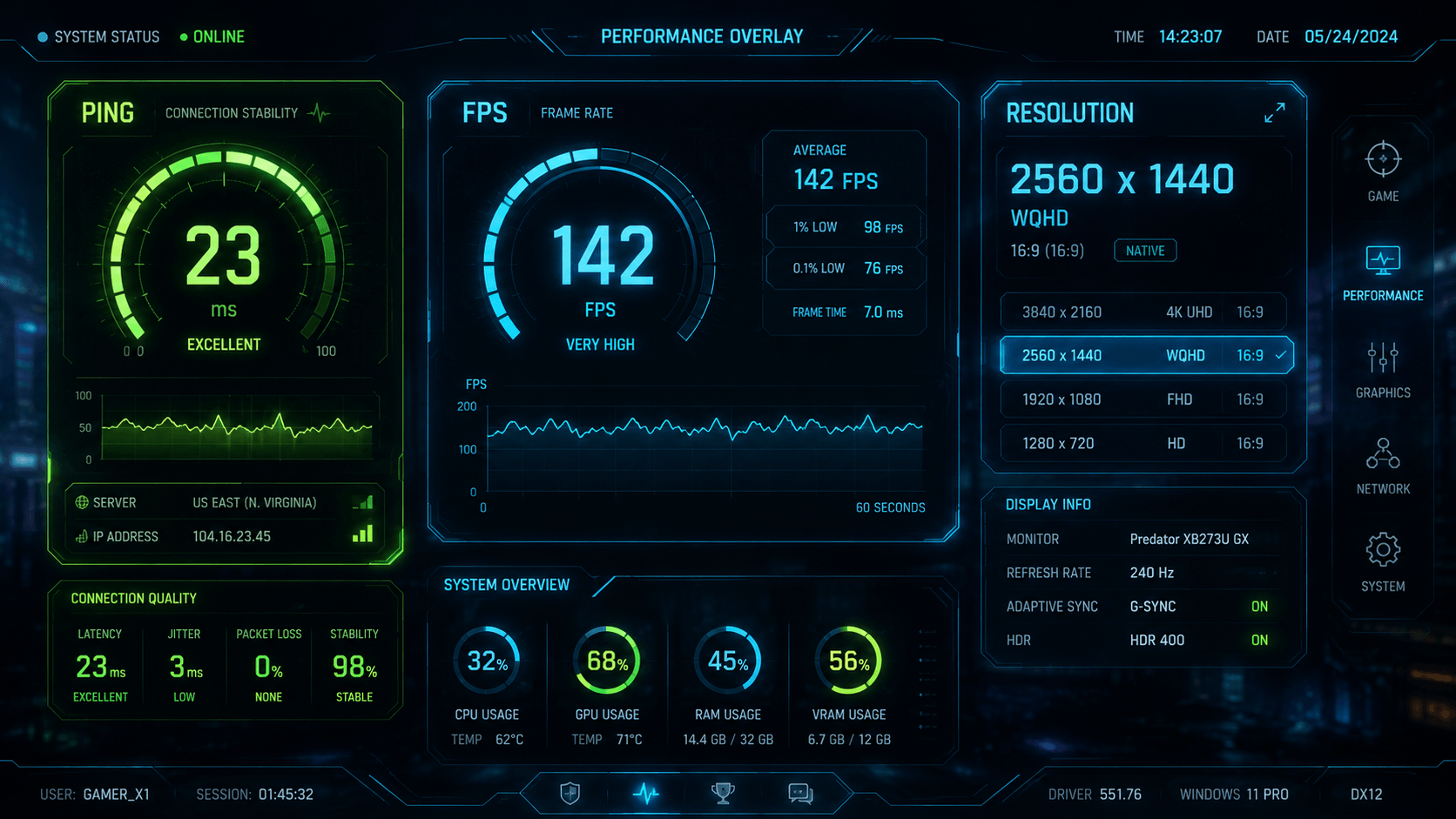
Ping measures the time it takes for information to travel from your device to a game server and back, in milliseconds (ms). Lower is better.
Under 20ms is excellent — your inputs reach the server almost instantaneously. 20-50ms is good and will feel smooth in virtually any game. 50-100ms is acceptable and most players won't notice lag at this range in slower-paced games. 100-150ms is noticeable in fast competitive games — you might feel a slight delay between input and response. Above 150ms becomes genuinely problematic in real-time competitive games.
What makes ping matter in practice: if your ping is 100ms, your "shoot" input reaches the server 100ms after you press the button. In a game where firefights last 200-300ms, this is meaningful. In a turn-based game, it's irrelevant. The importance of low ping scales with how fast and time-sensitive the game is.
Things that affect your ping: physical distance to the server (farther = higher ping), your internet connection type (wired is lower than Wi-Fi), network congestion, and your ISP's routing efficiency.
FPS (Frames Per Second)
FPS measures how many images your device renders and displays per second. Higher is generally better, but the returns diminish above certain thresholds.
30 FPS is the minimum for most games to look acceptably smooth. Many console games run at 30 FPS because the hardware is constrained. It's playable and many players are fine with it, but it's noticeably choppier than higher frame rates. 60 FPS is the baseline that most PC gamers and current-generation console modes target. Movement is smooth, reactions feel responsive, and the experience is comfortable for extended sessions.
120+ FPS is where it gets more nuanced. On a monitor that supports high refresh rates (120Hz, 144Hz, 165Hz), higher FPS makes motion look dramatically smoother. Fast movements — a character running, a camera turning quickly — have less blur and more clarity. In competitive games, this matters because it's easier to track moving targets. In slower single-player games, the improvement is less noticeable.
The key detail: your monitor has to support the high refresh rate for high FPS to display correctly. A 60Hz monitor only shows 60 frames per second regardless of how many your PC is rendering. Getting a high-FPS setup usually involves both a capable PC/console and a high-refresh-rate monitor.
Resolution
Resolution measures how many pixels are displayed on screen, in width x height format. Common gaming resolutions: 1080p (1920x1080), 1440p (2560x1440), and 4K (3840x2160).
Higher resolution means more pixels, which means sharper images with more detail visible. The practical impact depends heavily on screen size and viewing distance. On a 24-inch monitor at normal desk distance, the difference between 1080p and 1440p is visible and meaningful — text is crisper, distant objects are clearer. On the same monitor, 4K is harder to distinguish from 1440p because the pixels are already very small.
On a 55-inch TV from 8 feet away, 4K vs 1080p is clearly visible. On a 27-inch monitor from arm's length, 1440p and 4K are close enough that most people can't reliably tell them apart in a blind test.
The trade-off: higher resolution requires more processing power to run at the same frame rate. Running at 4K costs roughly four times as many GPU resources as 1080p. Many players choose to lower resolution and gain higher FPS, particularly in competitive games where smooth motion matters more than sharp detail.
How They Interact
In competitive online games, prioritize ping and FPS. A responsive connection and smooth frame rate matter more than visual fidelity. In single-player or slower-paced games, resolution matters more — you'll notice the detail when you're not focused on split-second reactions.
For most players, the practical priority order is: stable low ping (under 50ms) → stable 60+ FPS → then resolution improvements if your hardware allows it. Getting ping and FPS right first will improve your experience more than a resolution upgrade on an unstable connection or at 30 FPS.