You know the popup. "Storage almost full." You've already deleted old WhatsApp videos, cleared the cache twice, and you're down to choosing between your photos and that one game you play on the bus.
Here's the thing: a lot of casual games don't need to be apps at all. Browser games (HTML5 games) open in Chrome or Safari like a normal website. There's no install and nothing to update from the Play Store. Your browser keeps a little temporary data while you play, but it's nothing like a 1.5 GB download.
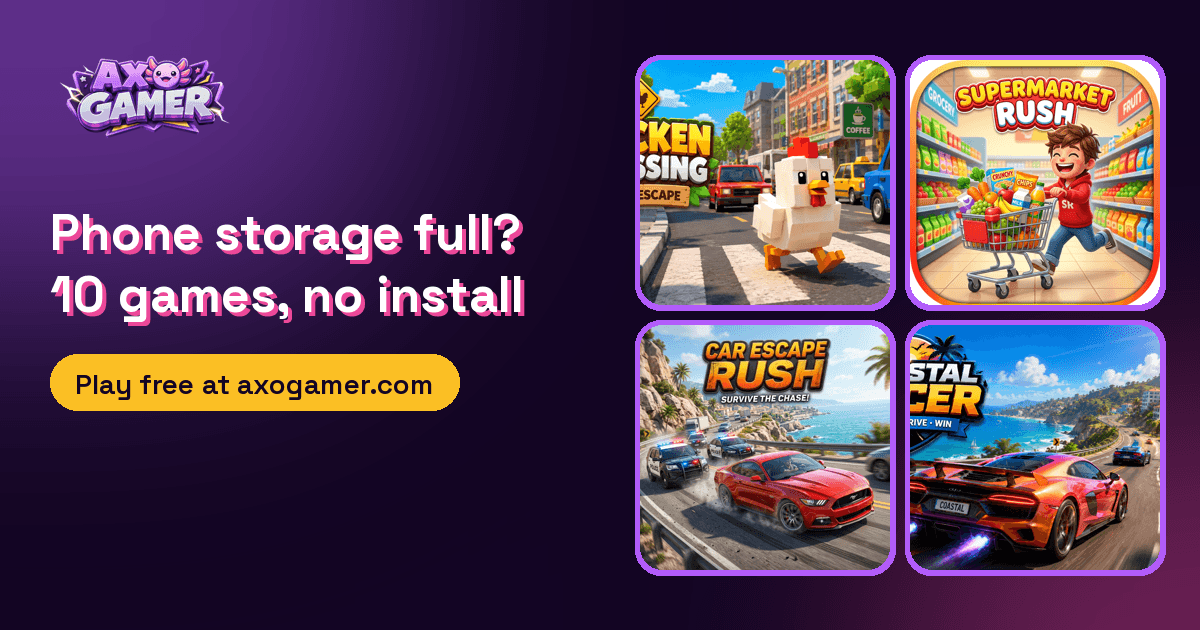
These ten are all on AxoGamer and all free. I picked them because they actually work well on a phone screen, not just on a laptop.
1. Chicken Road Hop
The one to start with. You tap the big green HOP! button and your blocky chicken jumps forward across busy roads. Cars and trucks come from the side, and the start screen warns you about rivers too. Get hit and the screen says "SQUISHED!", which honestly made me laugh the first time.
It's perfect for a phone because it's one button. You can play it one-handed while holding chai in the other.
2. Car Escape Rush
A lane runner. You steer with an on-screen joystick, dodge traffic, overtake cars for points, and pick up fuel and coins. There's a health bar at the top, so one mistake doesn't always end the run, but a few will.
Inside the game it looks simpler than the shiny cover art: clean top-down lanes and coloured blocks. That's actually a plus on older phones, because it runs light.
3. 2048 Advanced
Classic 2048 with levels and target scores, plus rocks that block parts of the board. Swipe to move tiles and merge matching numbers. It's quiet, it's smart, and it's the game I'd pick for a long train ride.
4. Endless Road Racer
When it loads, the title screen actually says NEON RACER: pink neon letters on a dark synthwave city background. Tap the left or right side of the screen to steer, avoid the traffic and see how far you get. There's a speed counter in mph at the top.
5. Supermarket Rush
This one surprised me. You're doing a timed shopping run: swipe left or right to switch lanes, up or down to move through aisles, and look for shelves glowing green. Those have the item you need. The order shows up as small icons at the top (I got butter, cheese and milk). Collect everything, then reach the checkout before the timer runs out. The screen flashes red when you're low on time, which is more stressful than it should be for a grocery trip.
6. Bubble Kitchen Chef
A grid of coloured bubbles (red, yellow, green, purple, brown) with a chef standing above it and order cards across the top. Each order card shows which colours it needs and how many. Clear the right bubbles to fill orders and your score goes up. It's relaxed, colourful, and good for short sessions.
7. Archery Olympic Champion
A 3D archery range. The reticle drifts, and you tap the lower part of the screen (or press Space on a laptop) when it lines up with the gold centre. Wind changes every arrow, and the wind number is shown at the top. You get six arrows per end, and streaks boost your score. It's heavier than the others because it uses 3D, so give it a few seconds to load.
8. Alien Farming Colony
A slower game, for when you want to build something. You start on "Kepler-452b" with 50 gems and a toolbar: Select, Till, Water and Glow Seed. The intro tells you the loop: till the purple soil, plant alien seeds, water them, harvest and upgrade. There's an in-game clock, starting at Day 1, 8:00 AM.
9. Space Colony Manager
Also a builder, but with pressure. You're the "Commander" on Mars-Alpha, and your oxygen, food and energy are shown at the top. Oxygen drops every cycle, so you can't just sit there. The construction bay has a Habitat, an O2 Gen, a Biodome and a Reactor, each with an energy cost. The first goal is to survive 60 cycles. Watch your oxygen early. It falls faster than you'd expect.
10. Mountain Bike Downhill
A bike game with two big buttons on screen: BRAKE and PUMP (JUMP). Score and speed sit at the top. I spotted a "SUPERMAN! +500" trick message, so pulling off tricks clearly pays. If you liked old bike-stunt games, try this one.
A few tips for playing browser games on your phone
- Use Wi-Fi or decent 4G for the first load. After that, most of these run fine.
- Turn your phone to the way the game wants. Most of the games above are made for portrait.
- Close other heavy tabs. Browsers share memory between tabs. The 3D games (Archery especially) run smoother with fewer tabs open.
- Add AxoGamer to your home screen. In Chrome, use the menu, then "Add to Home screen". It's still a website, but it opens like an app and takes almost no space.
The honest downside
Browser games need an internet connection, at least to load. And a few heavy 3D titles can feel slower on very old phones than a native app would. But for quick casual games, that's a fair trade for not giving up another gigabyte of storage.
So before you delete your photos for a game, try these first. They're one tap away at axogamer.com.